 01
01Capture it however you like
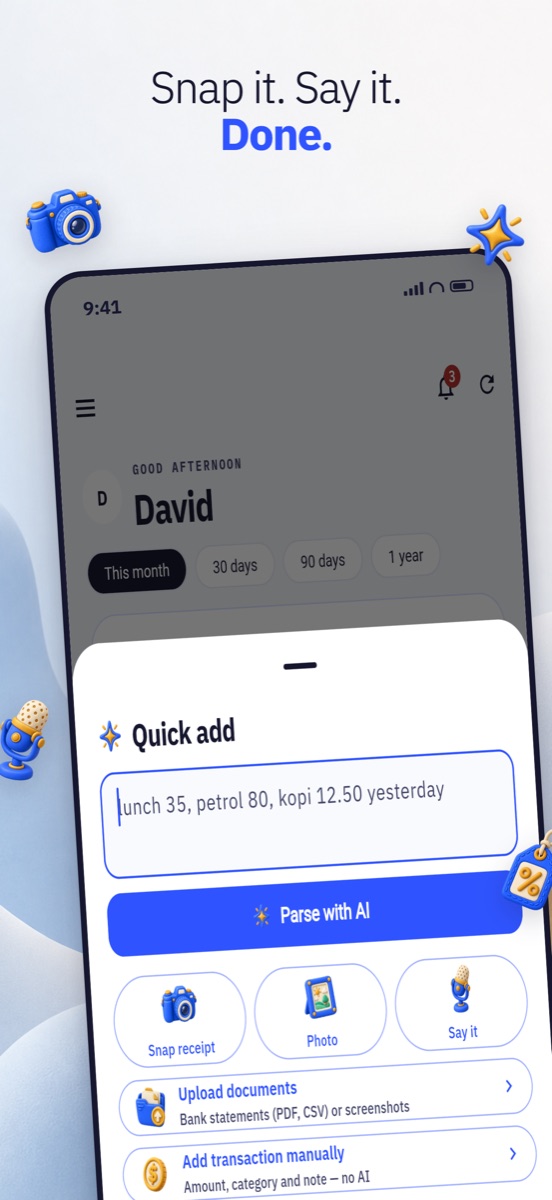
Photograph a receipt, upload a PDF or CSV bank statement, record a voice note, or type it on a calculator keypad. Several at a time is fine.
 AI Money Compass
iPhone · Free to start
Most budgeting apps die at data entry. AI Money Compass reads a receipt photo, a spoken sentence or a bank statement and files the amount, date, merchant and category for you — then tells you whether you can actually afford the thing you are about to buy.
No ads. No data selling. Face ID lock, full export, one-tap account deletion.

How it works
01Photograph a receipt, upload a PDF or CSV bank statement, record a voice note, or type it on a calculator keypad. Several at a time is fine.
 02
02Everything lands in one review sheet — amount, date, merchant, category, account. Correct anything that looks off and save the batch in a tap.
 03
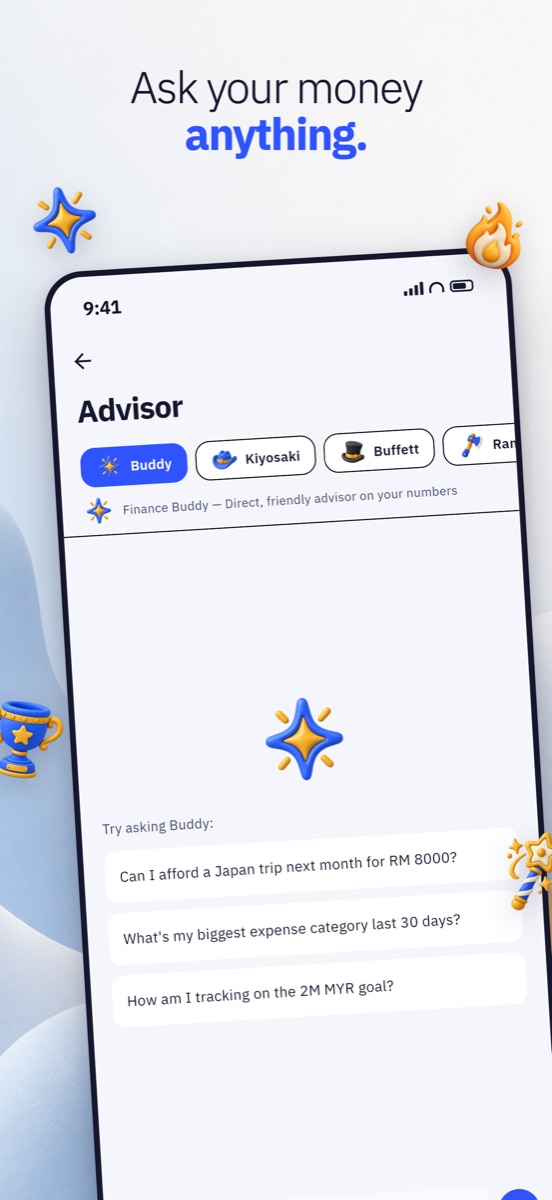
03“Can I afford a RM2,000 flight in November?” The Advisor answers from your real numbers — budgets, bills, what is already committed.
What you get
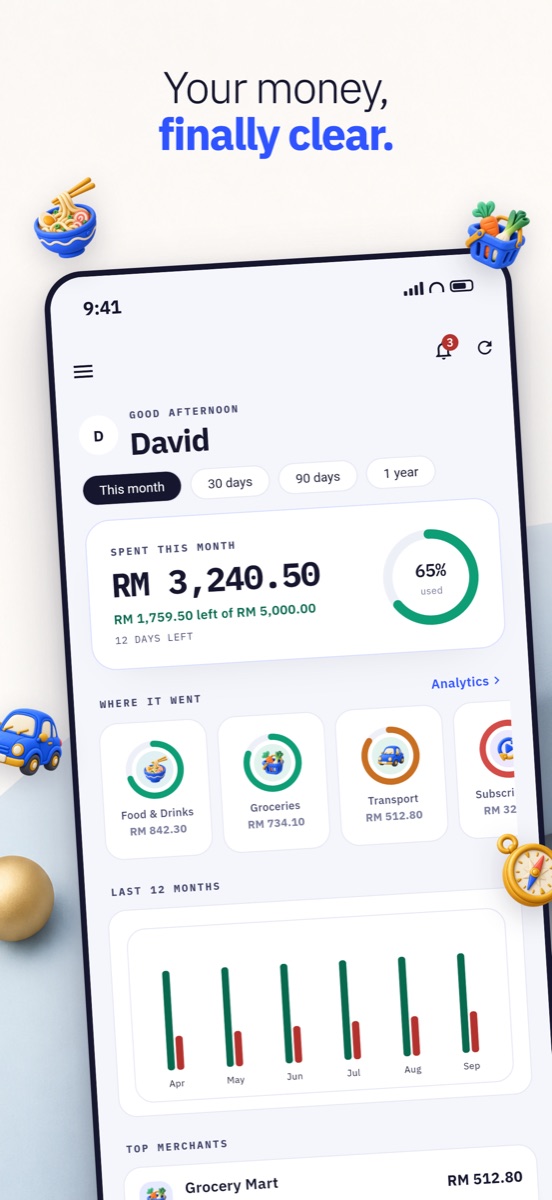
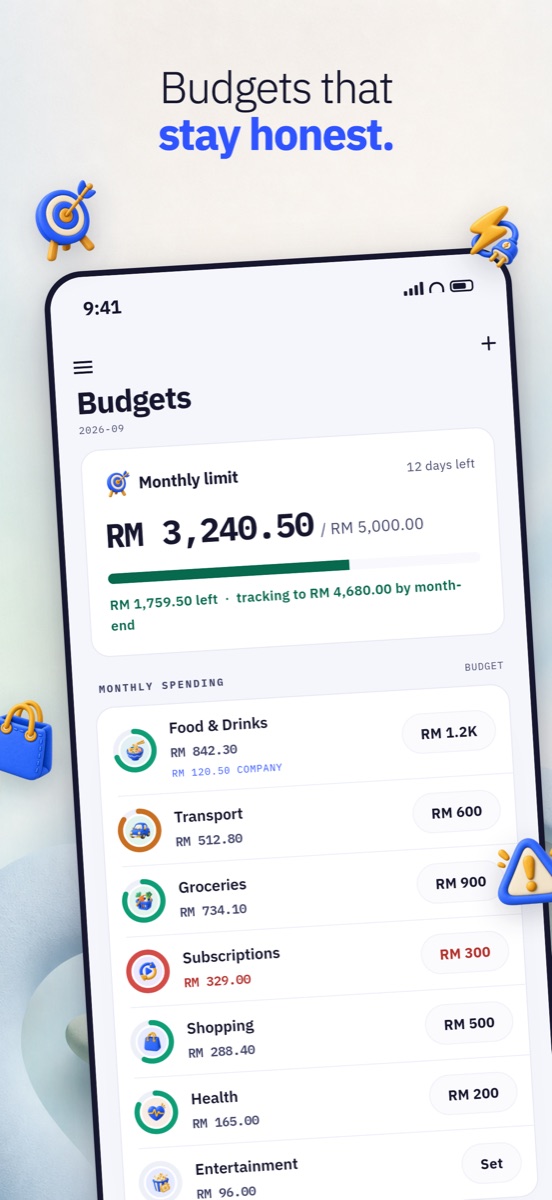
One monthly limit or a limit per category. See what is left, how fast you are burning it, and whether you finish the month over or under.
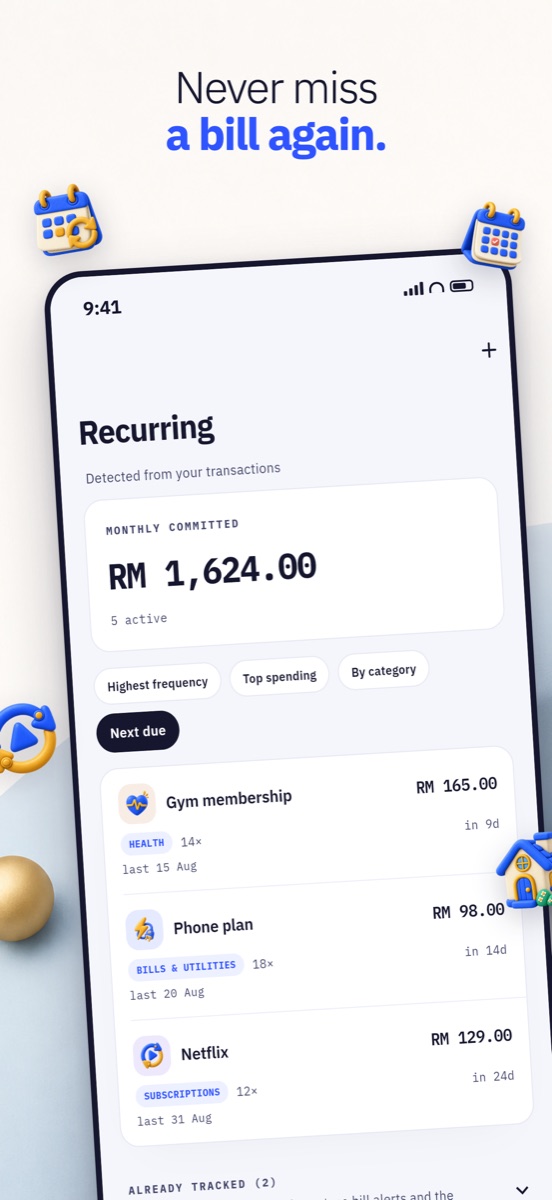
Recurring charges and instalments are detected from your own transactions — what is due next, what it costs a month, which subscriptions went quiet.
An interactive donut: tap a slice to focus it, long-press for sub-categories. Calendar periods, and every figure compared with the period before.
Monthly income against expense with a net line, filterable by category, account and date. Reimbursements tracked as pending, claimed or rejected.
Widgets for the budget, net worth and upcoming bills — plus a quick-add widget that drops you straight into logging a spend.
A currency picker with flags and favourites pinned under your base currency, so the ones you actually use are one tap away.
English, Bahasa Melayu, 简体中文, 繁體中文 and தமிழ் — including the home-screen widgets. Or just follow your phone.
Face ID unlock, password held in the iPhone Keychain. We never sell your data. Export everything or delete the account whenever you want.
Inside the app
You will know within a minute whether this is the one that finally sticks.